Blockchain wallet

The advanced blockchain wallet you need

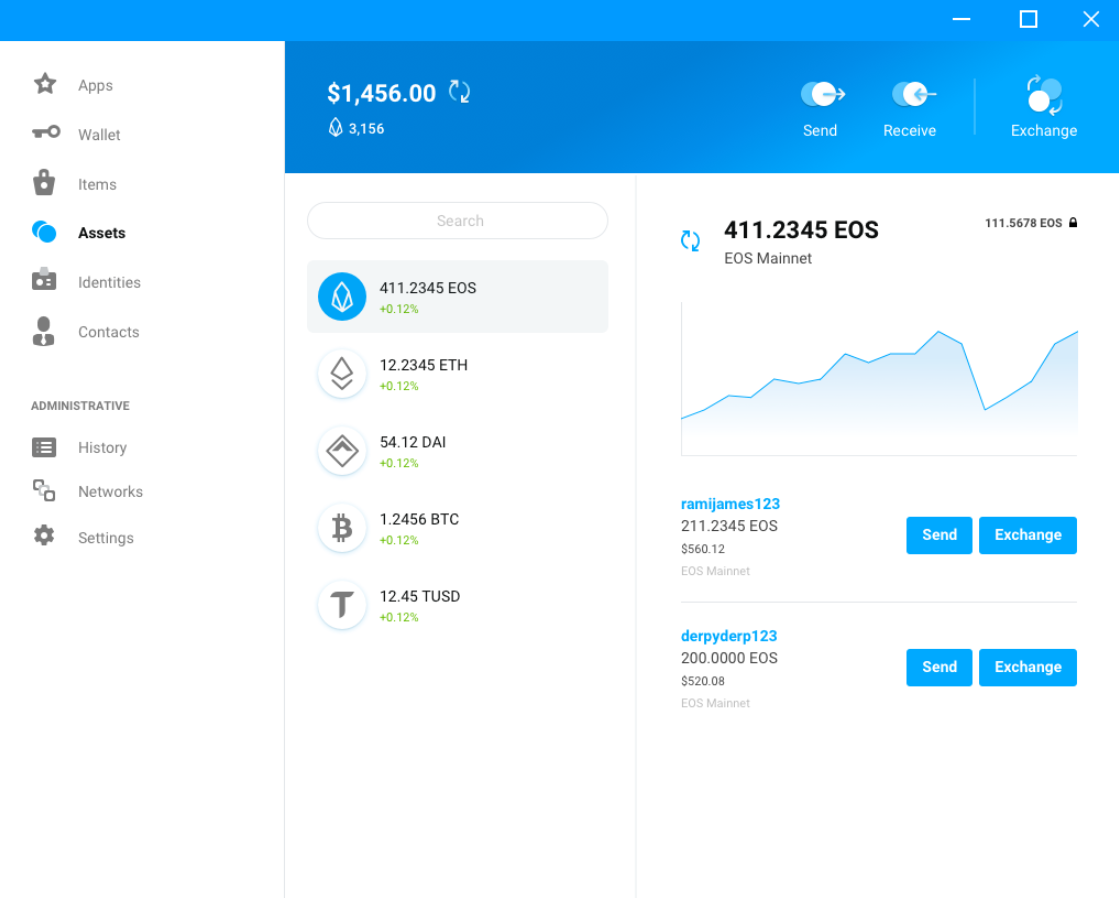
Scatter Desktop is an open-source wallet for your digital currencies and assets.

Available now for Windows, MacOS, and Linux.

Scatter Desktop main interface
Scatter Desktop vertical interface

Blockchain for everyone

Decentralized apps can feel complicated. Most people don’t have time to dig into keys, networks, and signing just to keep their assets safe. Scatter Desktop streamlines this so you can connect, approve, and manage value in a way that feels simple and safe. Explore network setup to keep environments separated cleanly.

People using blockchain applications
Developer integrating Scatter with applications

Empowering Developers

Your users will appreciate how fast and frictionless Scatter Bridge feels. Our SDKs plug cleanly into web, mobile, Unity, and Unreal projects so you can add secure wallet connectivity without wrestling with the tooling.

Scatter Desktop runs as its own application, separate from your browser. That means fewer attack surfaces from extensions, clearer permission prompts, and a single place to manage keys across different dapps and networks.

Not necessarily. You can import existing keys or accounts into Scatter Desktop, or generate new ones if you prefer a clean setup. Your keys stay local either way.

Keys are encrypted and stored on your machine, inside Scatter Desktop’s local data. They are never sent to our servers or shared with dapps – applications only receive the signatures you approve.

You can restore access using the same keys or backups you used to set up Scatter Desktop. The wallet itself cannot recover assets for you, so keeping secure backups of your keys is essential.

Yes. You can install Scatter Desktop on multiple machines and import the same keys or accounts. Just remember that every extra device holding keys is another thing you need to keep secure.

Scatter Desktop is built to work with multiple networks supported by our bridge and SDKs. See the current identifiers in our supported blockchains chapter. The exact list depends on the configuration and plugins you use, and can evolve over time.

Scatter Desktop can read data from the chains you connect to in order to show balances and history locally, but it does not phone that data home. What you do with your wallet stays on your machine and the blockchain.

Every dapp must request access through Scatter. You explicitly approve the connection, see what is being requested, and can revoke or adjust access later if you no longer trust an application. Read more controls in the Security guide.

Use our bridge and SDKs to request identities, signatures, and actions from Scatter Desktop. Start with the ScatterJS setup guide then layer networks and permissions; users handle approvals inside the wallet.

Scatter Desktop is designed for real users and real value, not just testnets. As with any wallet, you should review the code, security practices, and release process before relying on it for critical infrastructure.